
Hive Thermostat Hub Guide: Smart Home Setup Tips 2026
Imagine being able to adjust your home’s heating from anywhere, saving energy and money with a simple tap on your phone. The hive thermostat hub puts advanced control at your fingertips, making smart heating easy for everyone.
This guide takes you step by step through the hive thermostat hub, offering practical setup advice for a seamless smart home in 2026. We will demystify the latest features and show you how to make the most of your system.
Discover what the hive thermostat hub can do, learn about its benefits, compatibility, and installation process, and explore expert tips for troubleshooting and integration.
Ready to enjoy energy savings, comfort, and a future-ready smart home? Let’s get started with everything you need to know.
Understanding the Hive Thermostat Hub
Smart homes are evolving rapidly, and the hive thermostat hub is at the heart of this transformation. Acting as the central control point, this device connects your heating system to your home network, enabling seamless management from anywhere. With the hive thermostat hub, you can enjoy greater efficiency, convenience, and customisation, making your home ready for the future.
What is the Hive Thermostat Hub?
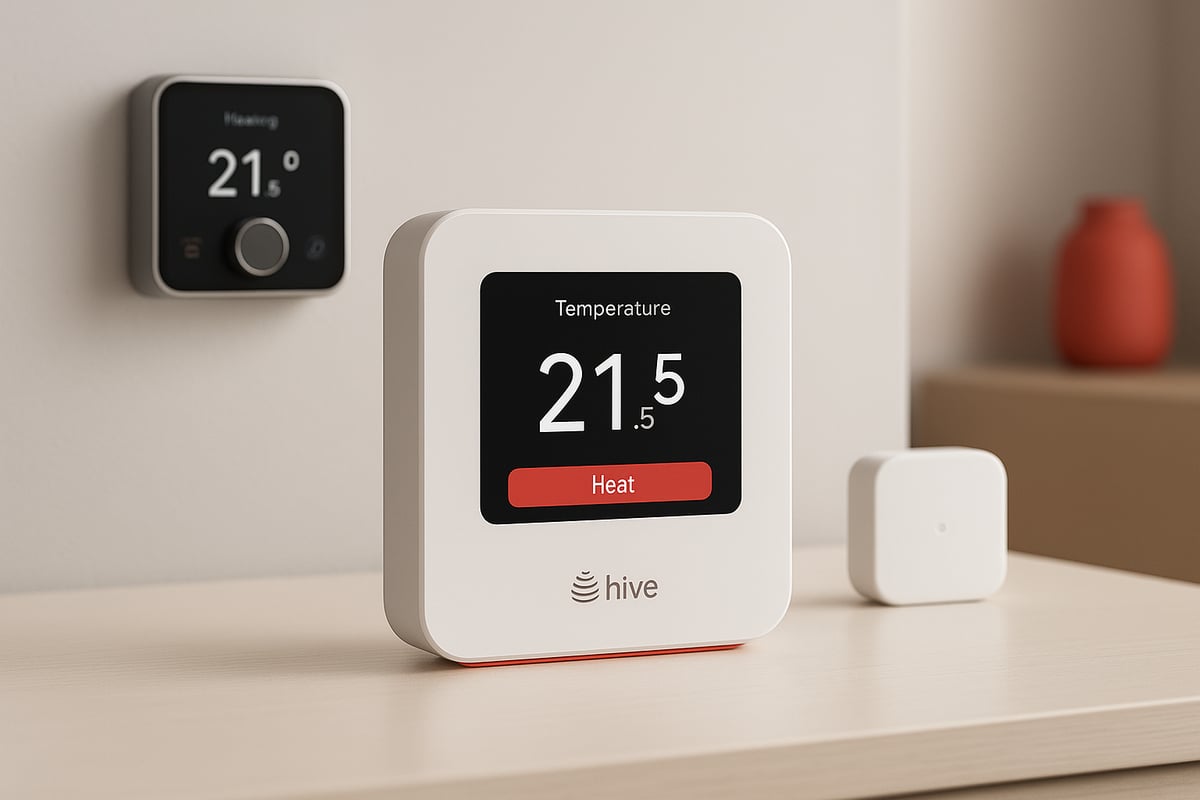
The hive thermostat hub serves as the central brain for your smart heating system. It wirelessly connects your boiler, thermostat, and other Hive devices, bringing everything together under one easy-to-use platform. Unlike individual Hive accessories, the hub manages all communications, ensuring your heating responds to your needs in real-time.
For example, the Hive Active Heating V4 paired with the hub offers advanced features and reliable performance. The hive thermostat hub also enables remote access and voice control, turning your smartphone or smart speaker into a virtual heating remote.
Key Features and Specifications
The hive thermostat hub supports both Zigbee and Wi-Fi protocols, ensuring fast, reliable connectivity with the latest 2026 devices. It provides dual control for heating and hot water, supporting multi-zone management for larger homes. Power options include mains and long-life batteries for uninterrupted operation.
Data security is a priority, with robust encryption and privacy controls built in. For a deeper look at the advanced capabilities, you can explore the types of features on a smart thermostat.
Hive Thermostat Hub Models and Evolution
Hive has continually refined its thermostat hub models. Below is a brief comparison:
| Model | Release Year | Connectivity | Key Improvements |
|---|---|---|---|
| V3 | 2022 | Zigbee | Basic scheduling |
| V4 | 2024 | Zigbee/Wi-Fi | Enhanced UI, app integration |
| 2026 | 2026 | Zigbee/Wi-Fi | Faster pairing, smart meter support |
The latest 2026 hive thermostat hub offers a more intuitive interface and improved connectivity. It remains backward compatible with older Hive devices, while supporting integration with new energy tariffs and smart meters for better cost control.
Benefits of Using a Hive Thermostat Hub
Choosing the hive thermostat hub brings multiple advantages:
- Save up to 30 percent on energy bills through intelligent scheduling and learning.
- Control your heating remotely and set flexible schedules.
- Enjoy greater comfort with personalised settings for each room.
- Benefit from eco-friendly features that reduce your carbon footprint.
- Trustpilot users rate their experience highly, with an average of 4.7 out of 5 stars.
Real users frequently mention the convenience and savings as standout benefits.
Hive Ecosystem and Smart Home Integration
The hive thermostat hub is part of a wider ecosystem, including smart lights, sensors, and plugs. It integrates seamlessly with other smart home platforms, such as Alexa, Google Home, and Apple HomeKit, making it easy to expand your smart home setup over time. This ensures a cohesive, user-friendly experience for all your connected devices.
Compatibility and Requirements for 2026 Smart Homes
Setting up a smart home in 2026 means ensuring every device works together seamlessly. The hive thermostat hub is designed to fit into modern living spaces, but understanding compatibility and requirements is crucial before installation.
Supported Heating Systems and Devices
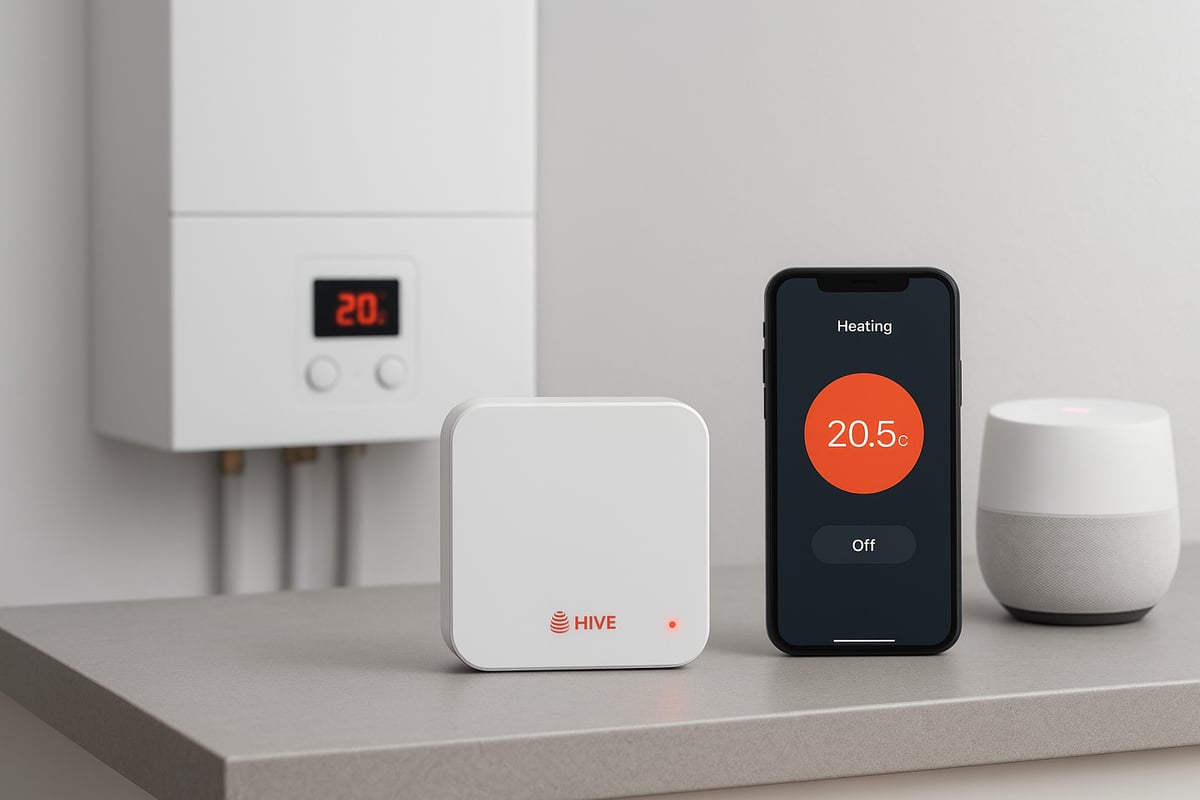
The hive thermostat hub supports a wide range of heating systems, making it suitable for most UK homes. It is compatible with combi, system, and conventional boilers. Underfloor heating setups and hot water cylinders can also be integrated, providing flexibility for diverse property types.
Popular boiler brands such as Worcester Bosch, Vaillant, and Ideal are fully supported, ensuring broad coverage. The hub is designed to work with both new and existing heating systems, including those with separate hot water controls.
To confirm if your specific system is supported, refer to the Hive Thermostat Compatibility Guide for detailed information. This ensures the hive thermostat hub will operate smoothly in your home environment.
Connectivity Standards and Network Requirements
For the hive thermostat hub to function efficiently, robust connectivity is essential. The hub utilises both Zigbee and Wi-Fi protocols, offering reliable wireless communication with your heating system and other smart devices.
A minimum of dual-band Wi-Fi (2.4GHz and 5GHz) and a high-speed router are recommended for 2026 installations. This setup guarantees stable connections, even in homes with multiple smart devices. Zigbee support enhances network resilience and allows for wider device compatibility.
Security is a top priority. The hive thermostat hub employs advanced encryption and authentication protocols, protecting your data and ensuring safe operation. A typical home network should feature a secure password and up-to-date firmware on all routers and smart devices.
Smart Home Platform Integration
One of the strengths of the hive thermostat hub is its ability to integrate with leading smart home platforms. It is fully compatible with Amazon Alexa, Google Home, and Apple HomeKit, enabling convenient voice control and automation.
Integration with IFTTT allows users to create custom routines, such as adjusting the temperature when you arrive home or activating eco modes when you leave. For example, a simple voice command like "Alexa, set the heating to 20 degrees" instantly adjusts the comfort level.
This flexibility ensures the hive thermostat hub fits neatly into any smart home ecosystem, providing a unified experience across devices.
App and Device Requirements
To control the hive thermostat hub, a compatible mobile device is required. Supported operating systems include iOS, Android, and Windows. The Hive app offers a user-friendly interface for scheduling, temperature adjustments, and system monitoring.
Features such as geolocation, multi-user support, and remote access are available. The app can be accessed from smartphones, tablets, and smartwatches, offering control whether you are at home or away.
For the best experience, ensure your device runs the latest operating system and app version. This guarantees compatibility and access to the newest features of the hive thermostat hub.
Future-Proofing: Preparing for 2026 Innovations
The hive thermostat hub is built with longevity in mind, ready to adapt to future advancements in smart home technology. Anticipated updates include AI-driven automation, deeper integration with energy provider APIs, and enhanced compatibility with evolving platforms.
Hive regularly releases firmware updates to introduce new features and security enhancements. The update process is straightforward via the app, ensuring your system remains current.
By keeping your hive thermostat hub updated and monitoring industry trends, you can future-proof your smart home, ensuring seamless integration with upcoming innovations.
Step-by-Step Hive Thermostat Hub Setup Guide
Setting up your hive thermostat hub is the foundation for a truly connected and energy-efficient home. Follow this comprehensive guide to ensure a smooth installation, optimal configuration, and seamless integration with your smart home ecosystem.
Pre-Installation Checklist
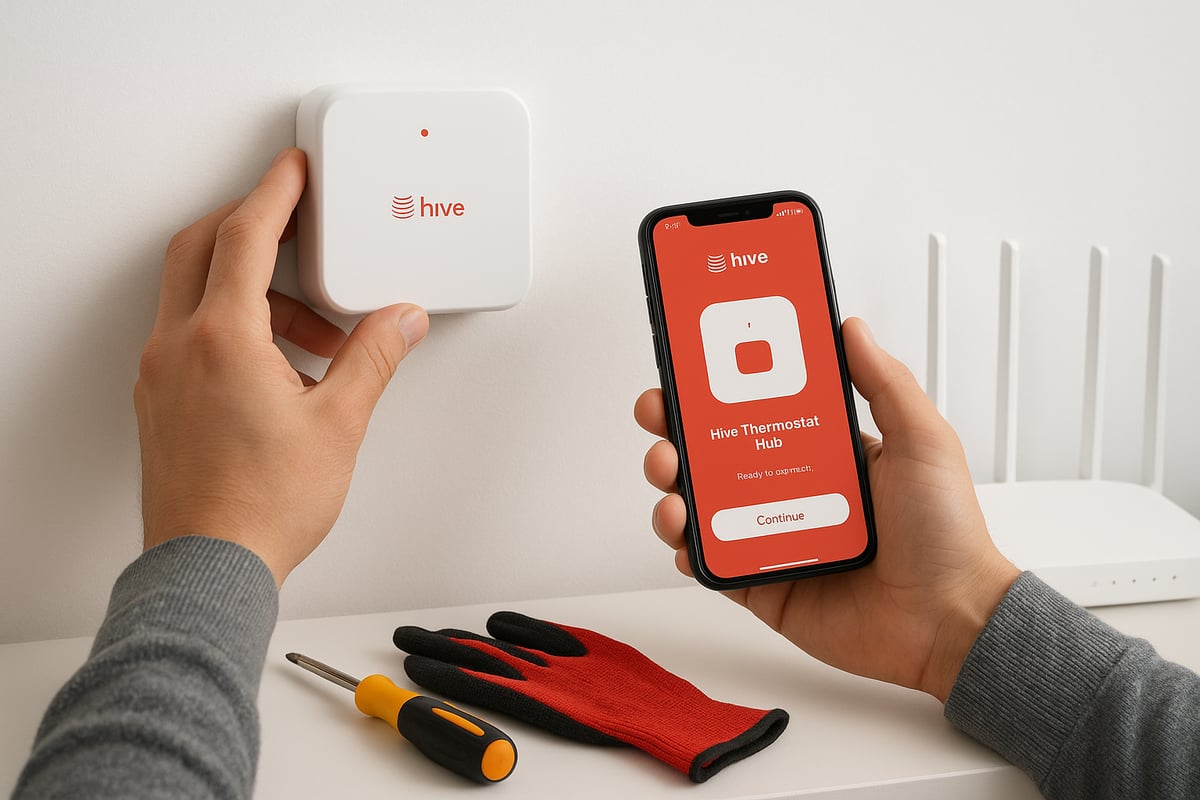
Before installing the hive thermostat hub, ensure your heating system is compatible. Most combi, conventional, and system boilers work, but double-check the manufacturer's guidelines. Gather essential tools such as a screwdriver, drill, and spirit level. Have your Wi-Fi details ready for later steps.
Safety first: Isolate the power supply to your boiler and heating controls. This prevents electrical hazards during the setup process. Wear suitable protective equipment and keep children or pets away from the workspace.
Prepare for a smooth experience by creating a Hive account and downloading the Hive app onto your smartphone or tablet. Check for the latest app and firmware updates to ensure your devices support new features.
A quick checklist:
- Confirm heating system compatibility
- Gather tools and safety gear
- Isolate power supply
- Download Hive app and create account
- Ensure all software is up to date
A careful start guarantees your hive thermostat hub installation proceeds without surprises.
Installing the Hive Thermostat Hub
Find an optimal location for your hive thermostat hub, ideally near your Wi-Fi router to maximise signal strength. Avoid placing it behind thick walls or metal objects, as these can interfere with wireless connectivity. Connect the hub to your router using the included Ethernet cable for the most stable connection, or use Wi-Fi if preferred.
Plug in the power supply and wait for the hub to boot up. The LED indicators will help you understand its status:
- Green: Connected to the internet
- Amber: Connecting or updating
- Red: Connection issue
If you encounter any connectivity problems, try moving the hub closer to the router or restarting both devices. For a detailed, step-by-step visual guide, refer to the Hive Thermostat Installation Guide.
Taking time with the installation ensures your hive thermostat hub performs reliably from day one.
Pairing the Hive Thermostat and Devices
Once your hive thermostat hub is running, use the Hive app to begin pairing devices. Start with the thermostat, following the in-app prompts for device discovery. Place the thermostat in its intended room, ensuring it is within wireless range of the hub.
Next, pair any receivers or smart sensors. Assign each device to the correct zone, especially if you have multi-zone heating. Test each connection by issuing a command through the app and confirming the device responds.
If you're setting up multiple thermostats, the app will guide you through zone assignment and testing. Always check the signal strength for each device—moving units closer or adjusting placement can resolve weak connections.
A robust pairing process ensures your hive thermostat hub controls every part of your home efficiently.
Configuring Heating and Hot Water Schedules
Now configure your heating and hot water schedules. Open the Hive app or use the web portal to set custom routines. You can create detailed schedules for each day, or use pre-set modes such as Holiday, Boost, and Frost Protection to simplify management.
For added convenience, enable geolocation in the app. This allows your hive thermostat hub to automatically adjust heating based on your location, reducing waste when you're away.
Example: Set a different weekday and weekend schedule to match your family's routine. Use the Boost mode for quick temperature increases during cold snaps.
Fine-tuning schedules ensures your hive thermostat hub delivers both comfort and energy savings.
Connecting to Smart Home Platforms
Integrate your hive thermostat hub with leading smart home platforms for full control. Authorise the Hive app to connect with Alexa, Google Home, or Apple HomeKit. This enables voice commands and seamless automation.
Set up routines like a “Goodnight” scene, which can adjust heating, dim lights, and lock doors with a single command. Link with third-party apps such as IFTTT or SmartThings to expand automation options.
Example: Use a voice command to lower the temperature at bedtime, or trigger heating to turn on when you arrive home.
Smart platform integration unlocks the full potential of your hive thermostat hub, making your home more responsive and intuitive.
Advanced Features and Optimisation Tips
Unlocking the full potential of your hive thermostat hub means exploring its advanced features. These capabilities go beyond basic temperature control, offering smarter energy savings, customisation, and robust security. Below, we break down the key tools and optimisation tips for a seamless smart home experience in 2026.
Energy-Saving Modes and Insights
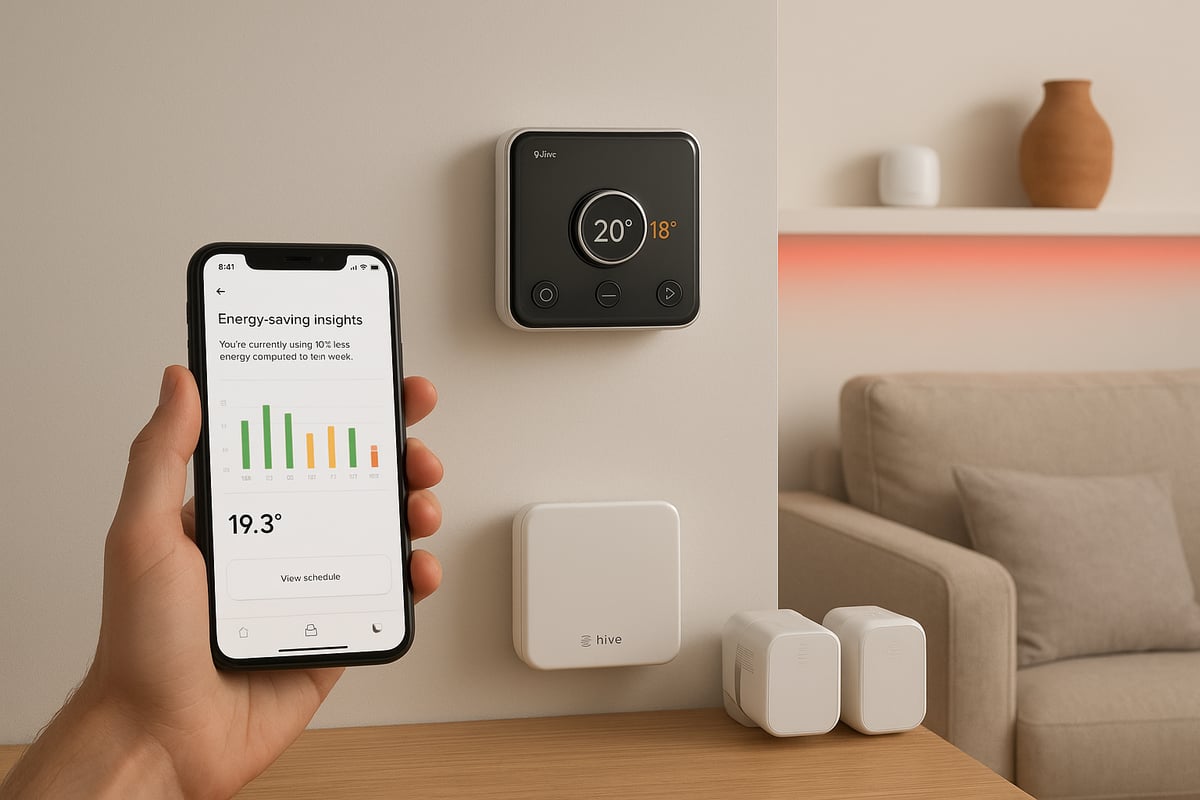
The hive thermostat hub is designed to help you cut energy consumption without sacrificing comfort. By activating eco modes and setting temperature limits, you can optimise your heating schedule according to your routine.
Use Hive Insights within the app to monitor energy usage trends. This feature generates monthly reports, showing where you can make further savings. For instance, you might adjust heating start times based on these analytics.
Reviewing these statistics empowers you to make informed decisions. If you are considering more ways to save, explore the benefits of installing a smart thermostat for additional insight into energy efficiency and comfort.
Multi-Zone and Room-by-Room Control
With the hive thermostat hub, managing multiple heating zones is straightforward. You can install extra thermostats or Hive smart radiator valves (TRVs) to control each room independently.
This is particularly useful in larger homes or properties with extensions. For example, bedrooms can be kept cooler while living areas remain warm in the evening. The app allows you to assign devices to specific zones and adjust schedules for each.
Benefits include improved comfort, reduced energy waste, and the flexibility to tailor heating to suit everyone’s preferences. Multi-zone management is a standout feature for busy households.
Automation and Geolocation Features
The hive thermostat hub supports advanced automation and geolocation. Set up geolocation in the app to have your heating automatically switch off when everyone leaves home and turn back on as you return.
You can also create triggers linked to occupancy sensors or integrate with other smart devices. For example, link your hub to smart lights so that heating and lighting work together for energy savings.
Automation routines make your heating system responsive and intelligent. The hive thermostat hub adapts to changing schedules, ensuring maximum efficiency and convenience.
Customisation and Personalisation
Personalise your experience with the hive thermostat hub by setting preferred temperature profiles for each user. The app enables you to create shortcuts or widgets for quick access to frequently used features.
Set up custom alerts, such as reminders for filter changes or notifications when a room reaches a set temperature. Scenarios like a “Movie Night” scene let you adjust heating, lighting, and more with a single tap.
This level of customisation ensures your smart home is always aligned with your lifestyle. The hive thermostat hub puts you in complete control of comfort and convenience.
Security and Privacy Best Practices
Security is paramount with any connected device. The hive thermostat hub offers two-factor authentication, giving you peace of mind when accessing your account.
Manage user access carefully, especially if you have multiple household members or tenants. Regularly update firmware to benefit from the latest security patches and ensure robust protection.
Within the Hive app, adjust data privacy settings to match your preferences. Staying up to date with security best practices guarantees your smart home remains safe and reliable.
Troubleshooting and Maintenance
Keeping your hive thermostat hub running smoothly is essential for a reliable smart home experience. Regular checks and prompt troubleshooting help you avoid disruptions and keep your home comfortable year-round.
Common Setup and Connectivity Issues
When setting up your hive thermostat hub, connectivity problems can occur. The hub may not connect to your Wi-Fi or router, or your thermostat might fail to pair. If you see flashing LEDs, this could signal a weak signal or interference from nearby electronics.
- Double-check your router’s settings and ensure it meets Hive’s requirements.
- Move the hub away from thick walls or metal objects to improve signal strength.
- Restart both the hub and your router if initial attempts fail.
For persistent issues, consult the Hive Thermostat User Manual for guided troubleshooting steps. Sometimes, simply relocating your hive thermostat hub to a more central position resolves many connectivity challenges.
Hive App and Firmware Problems
The hive thermostat hub relies on its app and firmware for efficient operation. If the app crashes or fails to sync, clear your device’s cache or reinstall the app. Firmware updates may occasionally fail, leaving the device unresponsive.
- Check for app updates in your device’s store.
- Ensure your mobile device’s operating system is up to date.
- Restart the hub before attempting another firmware update.
If you continue experiencing problems, refer to the official manual for advanced troubleshooting. Keeping your hive thermostat hub’s software updated enhances stability and security, reducing the likelihood of recurring issues.
Heating and Hot Water Control Issues
Sometimes, your hive thermostat hub may not respond to heating or hot water commands. Inconsistent temperature readings or hot water not following schedules can disrupt comfort. Start by resetting both the hub and thermostat.
- Verify that schedules are correctly set in the app.
- Replace batteries in the thermostat if needed.
- Inspect wiring connections if you have recently moved devices.
If problems persist, use the manual’s troubleshooting flowcharts. A quick reset or schedule update often restores normal operation. Staying proactive with your hive thermostat hub keeps your heating and hot water systems efficient.
Regular Maintenance and Best Practices
Routine maintenance extends the life of your hive thermostat hub. Clean the hub and thermostat with a soft cloth to prevent dust build-up. Test backup batteries and inspect device connections annually.
- Schedule system checks before winter.
- Regularly update software and firmware.
- Limit device access to trusted users for security.
For new users, the Beginner's guide to smart heating controls offers foundational tips on smart heating care. With consistent upkeep, your hive thermostat hub will provide reliable performance and peace of mind.
Expert Tips for a Seamless Smart Home Experience
Unlocking the full potential of your hive thermostat hub requires more than just installation. Expert knowledge ensures your smart home operates efficiently, comfortably, and securely. The following tips will help you optimise your system, integrate with other devices, manage users, and stay ahead of the latest trends.
Optimising Hive for Maximum Comfort and Efficiency
To maximise comfort and savings, start by fine-tuning your hive thermostat hub schedules. Analyse your household’s daily patterns and adjust heating times to match occupancy. Use the app’s weather integration for predictive heating, ensuring the system adapts to sudden temperature changes.
For further energy savings, combine your hive thermostat hub with home insulation upgrades. This approach keeps warmth in, reducing the need for frequent heating cycles. During extreme weather, adjust temperature setpoints to maintain comfort without overusing energy.
Experiment with different preset modes, such as Eco and Holiday, to see which fits your lifestyle best. Regularly review energy reports in the app to spot opportunities for improvement. These small adjustments can lead to significant reductions in your energy bills.
Integrating Hive with Other Smart Devices
The hive thermostat hub excels when it works alongside other smart devices. Link it with Hive smart lights, plugs, and sensors to create comprehensive automation routines. For instance, set your heating and lighting to adjust together at sunset, creating a welcoming atmosphere automatically.
Integration with voice assistants like Alexa and Google Home allows you to control your hive thermostat hub using simple voice commands. Explore third-party platforms such as IFTTT to trigger heating changes based on your location or other events.
For a step-by-step guide on connecting Hive products with broader smart home ecosystems, visit Hive Smart Home Integration. This resource details compatibility and routine setup, making it easier to build a truly connected home.
Accessibility and Multi-User Management
A well-managed hive thermostat hub benefits every household member. Set up multiple user profiles, granting access to family or tenants. The app allows you to assign permissions, ensuring each person can control settings relevant to their needs.
Voice assistant integration greatly improves accessibility, especially for elderly or disabled users. Simple voice commands make temperature adjustments effortless. Create custom shortcuts within the app for quick access to favourite settings.
Establish clear routines, like a “Goodnight” scene, to automate heating and lighting for all users. This ensures comfort and security without manual intervention. Regularly review user access to maintain privacy and control.
Staying Updated with Hive and Smart Home Trends
To ensure your hive thermostat hub remains future-proof, stay informed about the latest updates and innovations. Subscribe to Hive’s official updates and engage with their community forums for news on firmware releases and new features.
Participate in beta programmes to test upcoming enhancements before general release. Prepare your system for emerging standards, such as Matter, to guarantee ongoing compatibility with new smart devices. For expert installation and integration services, consider exploring Smart heating control installations.
Regularly update your app and hub firmware to benefit from security patches and performance improvements. By staying proactive, you ensure a seamless and secure smart home experience for years to come.
Now that you’ve discovered how the Hive Thermostat Hub can transform your home’s comfort and efficiency, why not take the next step? If you’re in Kent and want expert help with selecting, installing, or optimising your smart heating system, we’re here to support you. Our Gas Safe registered engineers at Castle Heating Kent have the experience and know how to make your smart home setup smooth and reliable. Enjoy peace of mind and a warmer, smarter home—Keeping Homes in and around kent Warm, Dry & Flowing Book with castle heating kent

