
Honeywell Boiler Thermostat Guide: Your 2026 Essential Handbook
Smart home heating and energy efficiency are becoming essential for UK households in 2026. Honeywell stands out as a leader in innovation and reliability, offering advanced solutions for home comfort. By mastering your honeywell boiler thermostat, you can achieve greater cost savings, comfort, and control. This guide is designed to help you choose, install, and optimise your device for the year ahead. Inside, you will find expert-backed advice on model selection, installation, programming, troubleshooting, and the latest trends shaping the future of smart heating.
Understanding Honeywell Boiler Thermostats: Models & Features
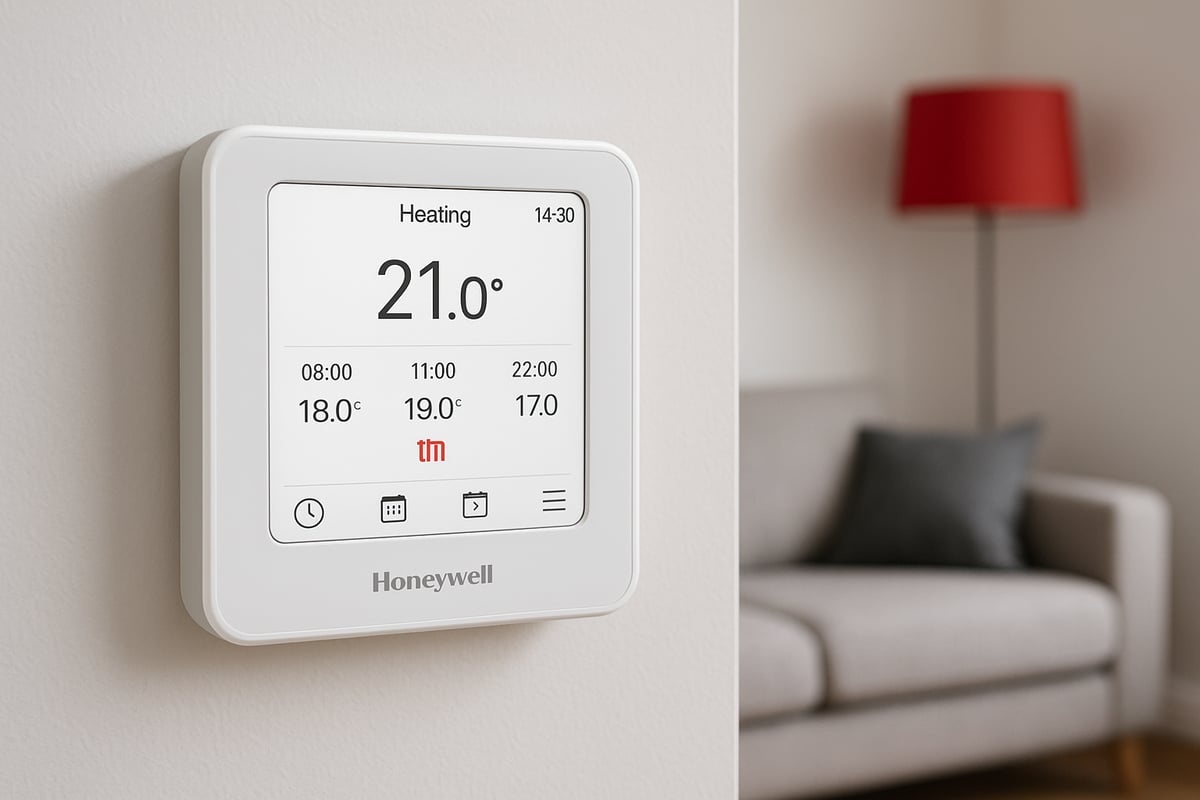
Honeywell has been a trusted name in heating controls for decades, consistently innovating to meet the evolving needs of UK households. The company’s commitment to reliability and user-focused design has made the honeywell boiler thermostat a leading choice for homeowners seeking comfort and efficiency.
Honeywell offers a comprehensive range of thermostats, each catering to different requirements. Manual thermostats provide basic temperature control, while programmable models let you set daily or weekly heating schedules. Smart thermostats offer advanced features such as app-based control, geofencing, and integration with smart home systems. Wireless options further simplify installation and enable flexible placement, making the honeywell boiler thermostat adaptable to any home setup.
The 2026 line-up showcases Honeywell’s latest advancements. Flagship models include the T6, T4, Lyric T6R, and Evohome. The T6 and Lyric T6R deliver smart control with Wi-Fi connectivity, while the T4 stands out for its straightforward programming and affordability. Evohome is designed for multi-zone management, allowing precise control of individual rooms. Each honeywell boiler thermostat in this range is engineered to balance simplicity with cutting-edge technology, ensuring there is an ideal model for every household.
To help you compare the options, here is a summary of key features:
| Model | Scheduling | Geofencing | App Control | Learning Algorithms | Wireless | Zoning |
|---|---|---|---|---|---|---|
| T6 | Yes | Yes | Yes | Yes | No | No |
| Lyric T6R | Yes | Yes | Yes | Yes | Yes | No |
| T4 | Yes | No | No | No | No | No |
| Evohome | Yes | No | Yes | Yes | Yes | Yes |
For more about the types of features on smart thermostats, explore how each option fits your lifestyle.
Energy efficiency is central to every honeywell boiler thermostat. Most models are endorsed by the Energy Saving Trust and meet rigorous eco-friendly standards, helping reduce both household energy usage and carbon footprint. With features like adaptive scheduling and learning algorithms, Honeywell thermostats can contribute to significant savings on your heating bills.
Compatibility is another strength. The honeywell boiler thermostat range is designed to work with modern combi, system, and conventional boilers. Integration with Alexa, Google Home, and IFTTT supports seamless smart home experiences. Safety is paramount, with every device complying with UK regulations, including the latest smart appliance standards.
For example, the Lyric T6R’s wireless capability offers flexible installation compared to basic programmable models, making it ideal for homes where wiring is challenging or where a portable solution is preferred. This adaptability sets the honeywell boiler thermostat apart as a future-ready choice for UK households.
Choosing the Right Honeywell Thermostat for Your Home
Choosing the ideal honeywell boiler thermostat for your home is a decision that shapes comfort, efficiency, and long-term savings. With the variety of models available in 2026, it is essential to match the device to your specific heating system and lifestyle. This section will guide you through assessing your system, understanding selection criteria, and comparing Honeywell with other leading brands.
Assessing Your Heating System
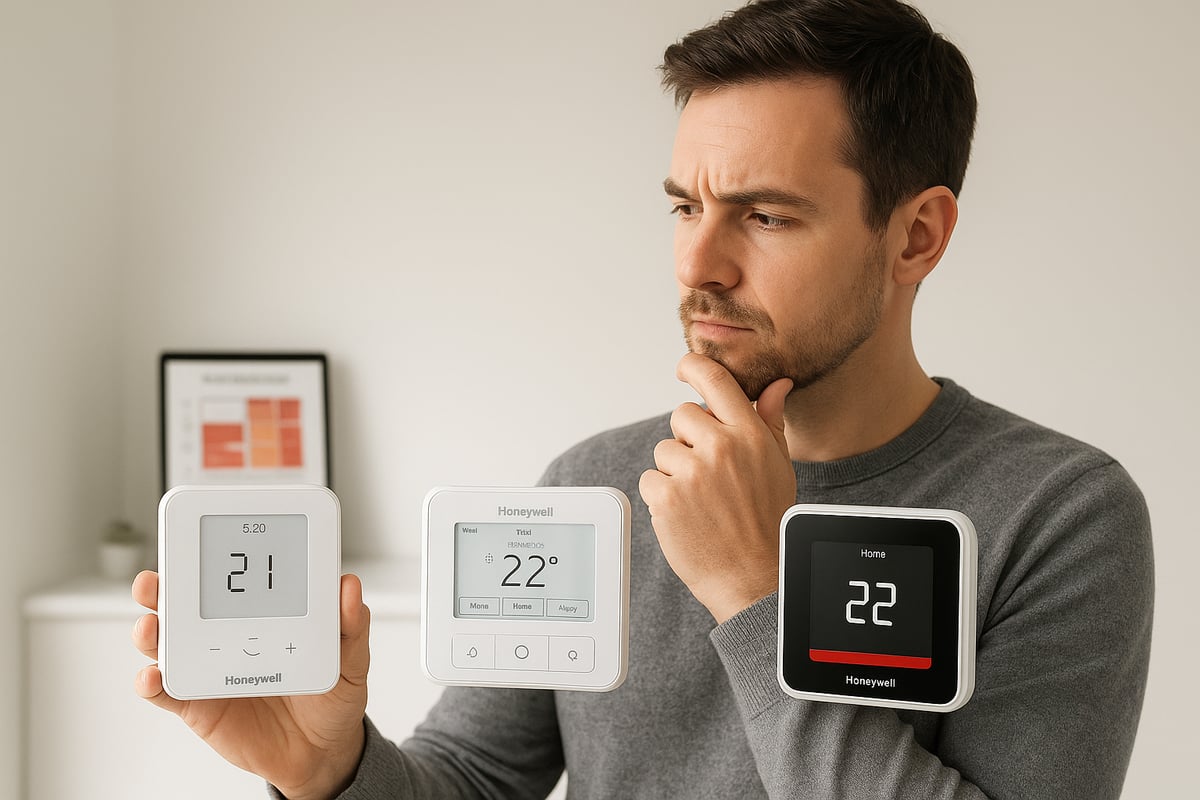
Before selecting a honeywell boiler thermostat, assess your heating setup. Identifying your boiler type is the first step. UK homes commonly use combi, system, or conventional boilers. Each type demands different thermostat compatibility, so double-check your boiler’s manual or consult a professional if unsure.
Next, determine if your home is better suited for a wired or wireless honeywell boiler thermostat. Wired models may be suitable for new builds or renovations, while wireless thermostats offer flexibility for existing homes with minimal disruption. Consider the size of your property and its insulation. Larger homes or properties with extensions might benefit from multi-zone control, such as the Honeywell Evohome, which allows precise temperature management in each area.
Zoning is especially beneficial for households with different heating needs across rooms. For example, a large family home with varying occupancy levels in bedrooms and living areas will gain efficiency and comfort from multi-zone solutions. However, avoid the common pitfall of installing a smart thermostat on an outdated or incompatible boiler, as this can result in unreliable operation or missed features. Always confirm compatibility before purchasing a honeywell boiler thermostat.
Key Selection Criteria for 2026
When selecting a honeywell boiler thermostat in 2026, prioritise features that align with your household’s needs. Remote access is increasingly popular, enabling you to adjust heating from your smartphone. Look for models with learning capabilities, which adapt to your routines and optimise energy use. Energy reports provide insight into usage patterns, helping you reduce bills over time.
User-friendliness is vital. Choose a thermostat with a clear display and intuitive controls to ensure all household members, regardless of age or technical skill, can easily manage settings. Balance your budget against long-term savings; while advanced models may have a higher upfront cost, they often deliver significant reductions in energy consumption.
Warranty and after-sales support are important for peace of mind. Honeywell offers robust warranties and reliable customer service. Households with shift workers, for instance, benefit from flexible scheduling features, allowing heating to match irregular routines. For more detail on the positive impact of these technologies, see the Benefits of installing a smart thermostat.
Honeywell vs. Competing Brands
Comparing honeywell boiler thermostat options with leading competitors reveals key differences in features, price, and support. Brands like Nest, Drayton, and Hive all offer smart controls, but Honeywell remains distinguished by its open protocol technology and broad compatibility.
| Feature | Honeywell | Nest | Drayton | Hive |
|---|---|---|---|---|
| Open Protocol | Yes | Limited | Yes | No |
| Multi-Zone | Yes (Evohome) | Limited | Yes | Yes |
| App Control | Yes | Yes | Yes | Yes |
| Voice Assistant | Alexa, Google | Alexa, Google | Alexa, Google | Alexa, Google |
| Price Range | Mid–High | High | Mid | Mid |
| Support | Strong | Moderate | Good | Good |
Honeywell’s UK market share remains strong, supported by high customer satisfaction and continuous product innovation. Many households have switched from competitor brands to the honeywell boiler thermostat range after experiencing greater flexibility, better integration with existing heating systems, and improved support.
In summary, careful assessment and comparison will ensure your chosen honeywell boiler thermostat delivers both comfort and value. Take time to weigh your options and leverage the latest features for a future-proof home.
Step-by-Step Installation Guide for Honeywell Boiler Thermostats
Upgrading to a honeywell boiler thermostat is one of the most effective ways to boost your home's energy efficiency and comfort in 2026. Installing it correctly is crucial for safety, performance, and warranty protection. This guide provides a clear, practical walkthrough—whether you are a confident DIYer or planning to hire a professional.
Pre-Installation Preparation
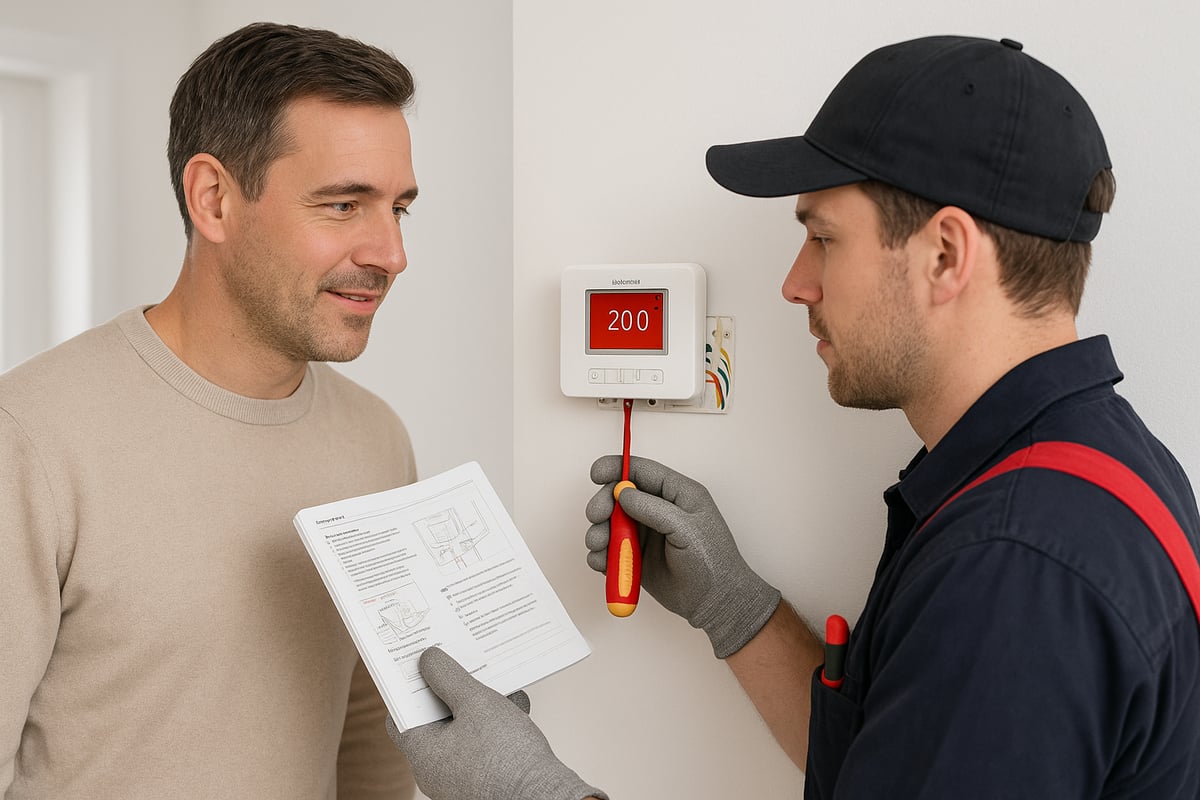
Before starting the installation of your honeywell boiler thermostat, prioritise safety and planning. Begin by switching off the power at the mains to your boiler and heating controls. This step protects both you and your equipment. If you are unfamiliar with electrical work or your system is complex, consult a Gas Safe registered engineer. This is especially important for homes with integrated or advanced heating systems.
Gather the necessary tools: a screwdriver set, wire strippers, voltage tester, spirit level, and your new honeywell boiler thermostat kit. Some installations may also require wall plugs and a drill if you are mounting the device on plaster or masonry. Always check the contents of your thermostat box to ensure you have all required parts and batteries.
Read the Honeywell installation manual thoroughly. Take note of wiring diagrams and any model-specific requirements, as these can differ between products. For example, the T6R wireless model involves different setup steps compared to wired programmable models. A common error is misreading the terminal markings, resulting in faulty connections or system failure. For further insights on avoiding pitfalls, see this helpful overview of common mistakes with smart thermostats.
Mounting location matters. Avoid placing the honeywell boiler thermostat near radiators, direct sunlight, or draughts, as these can affect temperature readings. A central, open spot is ideal. Double check compatibility if your boiler is older, as some models may not support all wiring types or smart features.
Finally, be aware that incorrect installation can lead to warranty issues or safety hazards. Preparation is the foundation for a smooth setup and reliable performance.
Installing Your Thermostat: Chronological Steps
The process of installing a honeywell boiler thermostat involves several precise steps. Follow this sequence for a safe and successful outcome:
- Remove the old thermostat. Carefully unscrew the faceplate and disconnect the wires, labelling them if needed for reference.
- Prepare the mounting area. Use a spirit level to mark holes for the new thermostat. Attach the baseplate to the wall securely.
- Connect the wiring. Match each wire to the correct terminal as specified in the honeywell boiler thermostat manual. Double check the colour code and ensure all connections are secure.
- Attach the interface. Clip or screw the thermostat face onto the baseplate.
- Restore power at the mains. The honeywell boiler thermostat should power up. Run initial system checks to confirm the display and boiler respond as expected.
- For smart models, connect to Wi-Fi or your home network. Use the Honeywell Home app to register the device and follow prompts for setup.
- Test heating controls. Adjust settings to verify the system responds in real time. Address any error messages or connectivity issues promptly.
During installation, connectivity problems can occur, especially in homes with thick walls or weak Wi-Fi. Place the receiver unit close to the boiler and ensure your router is nearby for optimal performance. If issues arise, reboot your router and thermostat, or consult the troubleshooting section in the manual.
A successful honeywell boiler thermostat installation results in smooth communication between the thermostat, boiler, and your chosen smart home system. Take your time with each step, and do not rush the setup process.
Professional Installation vs. DIY: Pros, Cons, and Costs
Deciding between a professional or DIY installation for your honeywell boiler thermostat depends on your system complexity, confidence, and warranty considerations. While many homeowners install basic models themselves, advanced systems, such as multi-zone or smart thermostats, benefit from expert handling.
When to hire a professional:
- Complex wiring or integration with underfloor heating
- Older boilers with unclear compatibility
- Requirement for Gas Safe certification (especially for new boiler connections)
- Warranty protection, as some manufacturers require professional installation
DIY installation advantages:
- Lower upfront cost (typically £0-£50 for basic tools)
- Flexibility and hands-on learning
- Quick turnaround for simple systems
Professional installation costs in the UK (2026):
| Installation Type | Average Cost (£) | Typical Duration |
|---|---|---|
| Wired, single-zone | 100–150 | 1–2 hours |
| Wireless, smart model | 150–250 | 2–3 hours |
| Multi-zone (Evohome) | 250–400 | 3–4 hours |
Hiring a Gas Safe engineer ensures compliance with UK safety standards and protects your honeywell boiler thermostat warranty. DIY attempts that lead to incorrect wiring or system faults can void this coverage, resulting in higher long-term costs.
Ultimately, weigh the pros and cons based on your technical ability, system type, and the value of expert peace of mind. Investing in professional installation may save you time, hassle, and potential expense down the line.
Programming and Using Your Honeywell Thermostat
Programming your honeywell boiler thermostat is the key to unlocking true comfort and savings in your home. Whether you are new to smart controls or already familiar, understanding the right features and settings will ensure you get the most from your device.
With careful setup, you can enjoy a perfectly heated home that adapts to your lifestyle, all while keeping your energy bills in check.
Basic and Advanced Programming Features
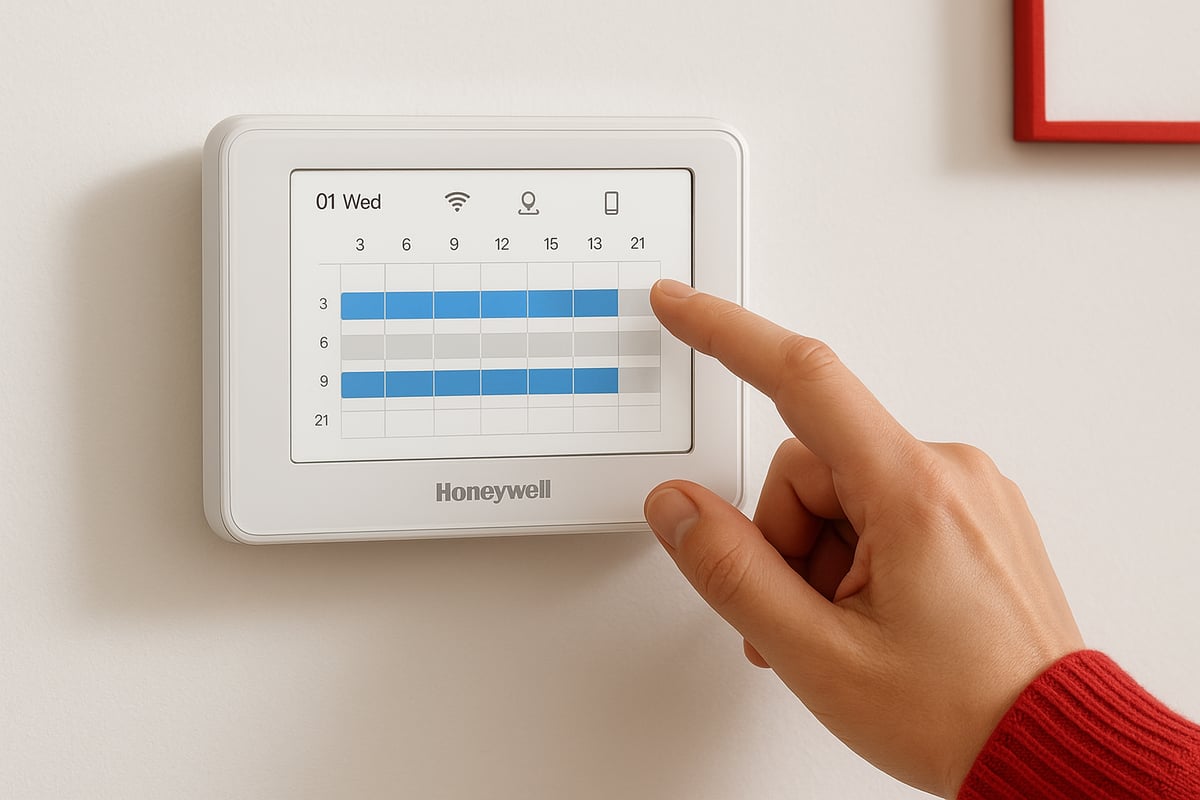
The honeywell boiler thermostat offers a range of basic and advanced programming options to suit every household. Setting daily and weekly schedules is straightforward, letting you decide exactly when your heating turns on or off.
You can customise temperature setpoints for different times of day. For example, schedule a morning warm-up at 6am and a night-time setback at 10pm. This helps you wake up to a cosy home and save energy while you sleep.
Advanced models enable programming for multiple heating zones. If you have a large home, you can set different rooms or areas to heat up at different times. This avoids unnecessary heating and further cuts costs.
Holiday and override modes are available as well. If you are away, simply activate holiday mode to lower the temperature. Override mode lets you temporarily adjust the temperature without changing your regular schedule.
Here is a quick summary of key programming features:
| Feature | Benefit |
|---|---|
| Daily/Weekly Schedules | Tailor heating to your routine |
| Holiday Mode | Save energy during absences |
| Override Mode | Instant adjustments when needed |
| Multi-Zone Control | Custom temperatures for each area |
With the honeywell boiler thermostat, you gain complete control over your comfort, while keeping your heating efficient and cost-effective.
Smart Features: Remote Access, Geofencing & Voice Control
Modern honeywell boiler thermostat models extend far beyond traditional controls. By connecting your thermostat to the Honeywell Home app, you can manage your heating from anywhere using your smartphone or tablet.
Remote access means you can adjust schedules, turn heating on or off, and receive notifications wherever you are. Geofencing is a standout feature—your thermostat can detect when you leave or return home using your phone’s location, automatically adjusting the temperature for maximum efficiency.
Integration with voice assistants like Alexa and Google Assistant adds another layer of convenience. Imagine saying, “Alexa, set the living room to 20 degrees,” and your honeywell boiler thermostat responds instantly. This is especially useful for busy families or those with mobility needs.
For a detailed look at smart features such as geofencing and Wi-Fi connectivity, you can explore the Honeywell T6 Pro Smart Thermostat Specifications.
These intelligent features make the honeywell boiler thermostat a central part of your smart home, giving you flexibility and control that fits seamlessly into your daily life.
Maximising Energy Efficiency and Comfort
Using your honeywell boiler thermostat wisely can result in significant energy savings and improved comfort. Start by taking advantage of learning algorithms and smart scheduling. Over time, your thermostat can adapt to your patterns, ensuring rooms are only heated when needed.
Data reports are available on certain models, helping you identify opportunities to optimise your heating. Households have reported up to 15 percent lower energy bills simply by using smart scheduling and avoiding unnecessary manual overrides, according to Energy Saving Trust data.
Here are some top tips for maximising efficiency with your honeywell boiler thermostat:
- Set realistic temperature targets, ideally between 18–21°C for living spaces.
- Use multi-zone features to avoid heating unused rooms.
- Regularly review your usage reports for improvement areas.
- Avoid frequent manual changes, as they can disrupt energy-saving routines.
Remember, the honeywell boiler thermostat is designed to work with you. With thoughtful programming and smart use of features, you will enjoy both a comfortable home and lower bills.
Troubleshooting & Maintenance for Honeywell Boiler Thermostats
Modern heating systems offer comfort and efficiency, but even the most advanced Honeywell boiler thermostat can encounter occasional problems. Understanding how to identify and fix common issues will help you keep your home warm and energy bills under control. If you are new to smart heating controls, reviewing A beginner's guide to smart heating controls can provide useful background before you begin troubleshooting.
Common Issues and Quick Checks
Most Honeywell boiler thermostat issues fall into a few categories: connectivity loss, inaccurate temperature readings, or unresponsive controls. If your thermostat is not connecting to Wi-Fi, check your router and ensure the thermostat is within signal range. For incorrect readings, make sure the device is not exposed to direct sunlight or drafts, which can skew temperature sensors. Unresponsive controls may indicate flat batteries or a software glitch.
A quick checklist for initial troubleshooting:
- Confirm the thermostat display is active and readable.
- Check batteries if your model is battery-operated.
- Inspect for error messages or icons on the display.
- Ensure your home Wi-Fi is working if using a smart model.
Step-by-Step Diagnostics
If basic checks do not resolve the issue, follow a systematic approach to diagnosing your Honeywell boiler thermostat:
- Switch off power to your heating system at the mains for safety.
- Remove the thermostat from its base and inspect wiring for loose connections.
- Reset the thermostat using the manufacturer’s instructions, often by pressing a specific button combination or using the app.
- Reconnect to your Wi-Fi network, ensuring your password is correct.
- Update the thermostat firmware via the Honeywell Home app or web portal.
If you encounter persistent problems, such as repeated disconnections or blank screens, it may signal a deeper fault in either the thermostat or the boiler interface. Always consult the installation manual for model-specific guidance.
Maintenance and Error Code Solutions
Routine maintenance extends the life of your Honeywell boiler thermostat and prevents many common faults. Change batteries annually, even if the device appears to be working. Keep the thermostat’s firmware up to date to benefit from security patches and performance improvements.
When error codes appear, such as E1 or E2, consult your user manual for the exact meaning. Typically, E1 relates to sensor faults, while E2 indicates wiring or communication issues. A simple reset or secure reconnection of wires often resolves these problems. If not, professional support may be required.
Lifespan, Statistics, and Preventative Measures
On average, a Honeywell boiler thermostat has a lifespan of 7 to 10 years, with failure rates under 3% in the first five years. Regular care, such as cleaning the device and checking for software updates, helps to maintain reliability. Adhering to UK Smart Appliance Standards 2025 ensures your thermostat remains compliant and safe.
To prevent future issues:
- Schedule annual maintenance alongside your boiler service.
- Avoid overusing manual overrides, which can confuse learning algorithms.
- Contact Honeywell customer support or a Gas Safe engineer for unresolved problems.
By following these steps, you can ensure your Honeywell boiler thermostat delivers consistent comfort, safety, and energy savings for years to come.
Future-Proofing: Honeywell Innovations & Smart Heating Trends for 2026
Staying ahead of the curve is crucial when choosing a honeywell boiler thermostat for your home in 2026. The latest advancements are transforming how we manage heating, comfort, and energy savings. In this section, we explore the innovations shaping the future and how you can ensure your investment stands the test of time.
Upcoming Features and Technologies
The honeywell boiler thermostat landscape is evolving rapidly, with intelligent features taking centre stage. In 2026, AI-driven energy optimisation will become standard, allowing your thermostat to learn from your routines and weather patterns. This predictive scheduling reduces waste and ensures the ideal temperature when you need it.
Integration with renewable energy sources, such as solar panels and heat pumps, is becoming more seamless. The latest models can automatically adjust heating in response to energy availability, maximising efficiency and supporting sustainability goals.
User interfaces are also improving. Expect larger, clearer displays, voice guidance, and customisable controls to enhance accessibility for all users. For instance, early adopters of AI scheduling report higher comfort and significant reductions in energy bills.
Honeywell continues to lead with innovative products. The recently announced Honeywell Home FocusPRO Series showcases advanced connectivity, improved learning algorithms, and enhanced compatibility with smart home systems. These features ensure your honeywell boiler thermostat remains a future-proof choice.
The Role of Thermostats in the Smart Home Ecosystem
The honeywell boiler thermostat is no longer just a standalone device. In 2026, it acts as a central hub within a connected home, integrating with lighting, security, and ventilation systems. This interoperability enables coordinated responses, such as lowering heating when windows are open or adjusting warmth based on occupancy sensors.
Data privacy and security are top priorities. Modern honeywell boiler thermostat models use encrypted communications and robust authentication, protecting your home data while enabling seamless remote control.
Practical examples highlight the advantages of this ecosystem. Imagine your thermostat detecting everyone has left the house, then automatically reducing heating and locking the doors. Such scenarios are increasingly common, as households embrace smarter, more energy-efficient living.
Advanced integration also supports routines via platforms like Alexa and Google Home, giving you voice control and automation options. The honeywell boiler thermostat is designed to adapt as your smart home grows.
Anticipated Regulations and Market Trends
The UK government is intensifying its focus on energy efficiency to achieve Net Zero by 2050. As part of this drive, standards for heating controls are evolving, with incentives for installing smart devices such as the honeywell boiler thermostat.
Guidance from regulatory bodies, such as the ECO4 Guidance on Smart Thermostats, outlines new requirements for smart thermostat functionality and installation. These policies are accelerating adoption across the UK, with market projections indicating robust growth for connected heating solutions.
As regulations tighten, choosing a compliant honeywell boiler thermostat ensures your home remains efficient and future-ready.
Now that you understand how the right Honeywell thermostat can transform your home’s comfort, efficiency, and energy savings, it’s time to put your knowledge into action. Whether you’re ready to upgrade to a smart system or need expert advice on choosing and installing the perfect model for your home in Kent, we’re here to help. Our experienced engineers at Castle Heating Kent are dedicated to providing reliable guidance and professional service every step of the way. Let’s keep your home warm, efficient, and future ready—Keeping Homes in and around kent Warm, Dry & Flowing Book with castle heating kent.

