
Salus Thermostat Wireless Guide: Setup & Smart Features 2026
Smart, wireless heating controls are transforming comfort and efficiency in UK homes. As energy costs rise, more households are seeking innovative solutions like the salus thermostat wireless system. This guide delivers a comprehensive overview for 2026, covering setup, smart feature integration, troubleshooting, and tips to maximise efficiency. Discover how to achieve greater comfort and energy savings with the latest advancements. Whether you are upgrading your existing controls or installing for the first time, our step-by-step approach will help you unlock the full potential of smart heating.
Understanding Salus Wireless Thermostats
Salus has established itself as a leading name in the world of smart heating controls, offering innovative solutions designed for modern UK homes. The salus thermostat wireless range is at the heart of this transformation, delivering flexibility, comfort, and energy savings for households seeking greater control over their heating systems.
UK homeowners increasingly favour wireless over traditional wired thermostats. With the salus thermostat wireless, users enjoy simple installation and the freedom to position the thermostat wherever it best suits their living space. The wireless design means there is no need for complex rewiring, making it especially attractive for both new builds and retrofits.
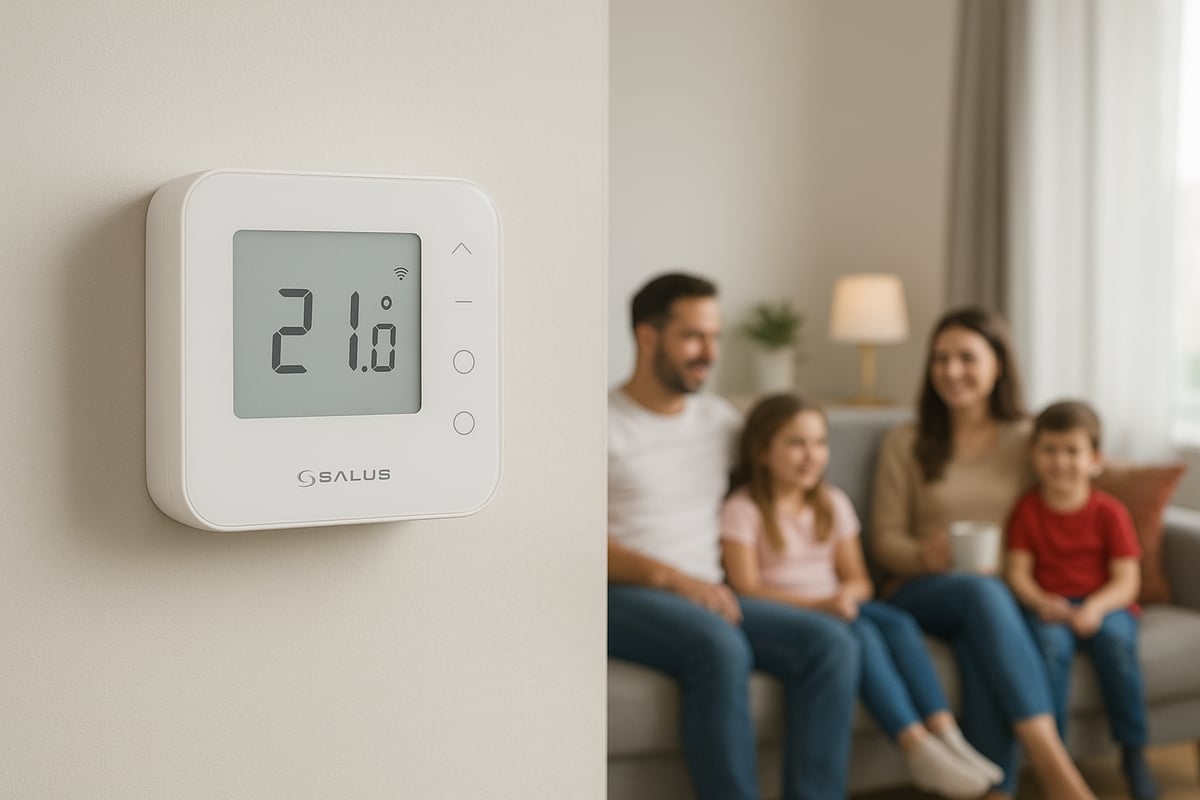
Salus: A Trusted Name in Smart Heating
Salus is renowned for its commitment to reliable, user-friendly heating controls. The salus thermostat wireless range includes popular models such as the RT510RF, RT520RF, and the latest 2026 variants, each catering to different user needs and property types.
- RT510RF – A staple model offering dependable wireless control.
- RT520RF – Enhanced with advanced scheduling and features.
- 2026 Variants – Incorporate the latest smart home integrations and energy-saving technology.
For those new to smart heating, a Beginner's guide to smart heating controls can provide additional context on how these systems transform home comfort.
Wireless vs Wired Thermostats: Benefits and Differences
A key advantage of the salus thermostat wireless system lies in its installation and flexibility. Unlike wired thermostats, which require a fixed location and invasive cabling, wireless models offer:
| Feature | Wireless Thermostat | Wired Thermostat |
|---|---|---|
| Installation | Simple, non-invasive | Requires wiring |
| Placement Flexibility | High | Fixed |
| Multi-Zone Capability | Easy to expand | More complex |
| Cost (Installation) | Lower | Higher |
Choosing a salus thermostat wireless system means homeowners can optimise comfort and efficiency without major disruption.
Communication, Compatibility, and Security
Salus wireless thermostats use secure radio frequency (RF) communication to link the thermostat and the receiver connected to the boiler. This ensures stable performance, even in larger homes or those with thick walls. The salus thermostat wireless range is compatible with most UK boiler types, including combi, system, and conventional models, making it a versatile choice.
Security and reliability are paramount. Salus employs encrypted signals to minimise interference from other devices, and the typical range is sufficient for multi-storey properties. Interference is rare, but best practices, such as placing the receiver away from metal objects, ensure optimal performance.
Real-World Applications and Market Trends
The salus thermostat wireless system is ideal for a variety of UK households. Common scenarios include underfloor heating, multi-zone control in larger homes, and easy upgrades in older properties. With smart scheduling and remote control, users tailor their heating to daily routines, reducing wasted energy and costs.
Recent market data shows a steady rise in the adoption of wireless thermostats across the UK, reflecting the growing demand for smart, efficient heating solutions. Homeowners value the combination of convenience, energy savings, and adaptability provided by the salus thermostat wireless range.
Whether upgrading an existing system or installing in a new home, the salus thermostat wireless is designed to meet the needs of modern living.
Step-by-Step Setup Guide for Salus Wireless Thermostats
Setting up a salus thermostat wireless system is a straightforward process, but careful attention to detail ensures optimal performance and safety. This step-by-step guide will walk you through preparation, installation, and configuration, helping you avoid common pitfalls and achieve seamless control of your home heating.
Preparation and Unboxing
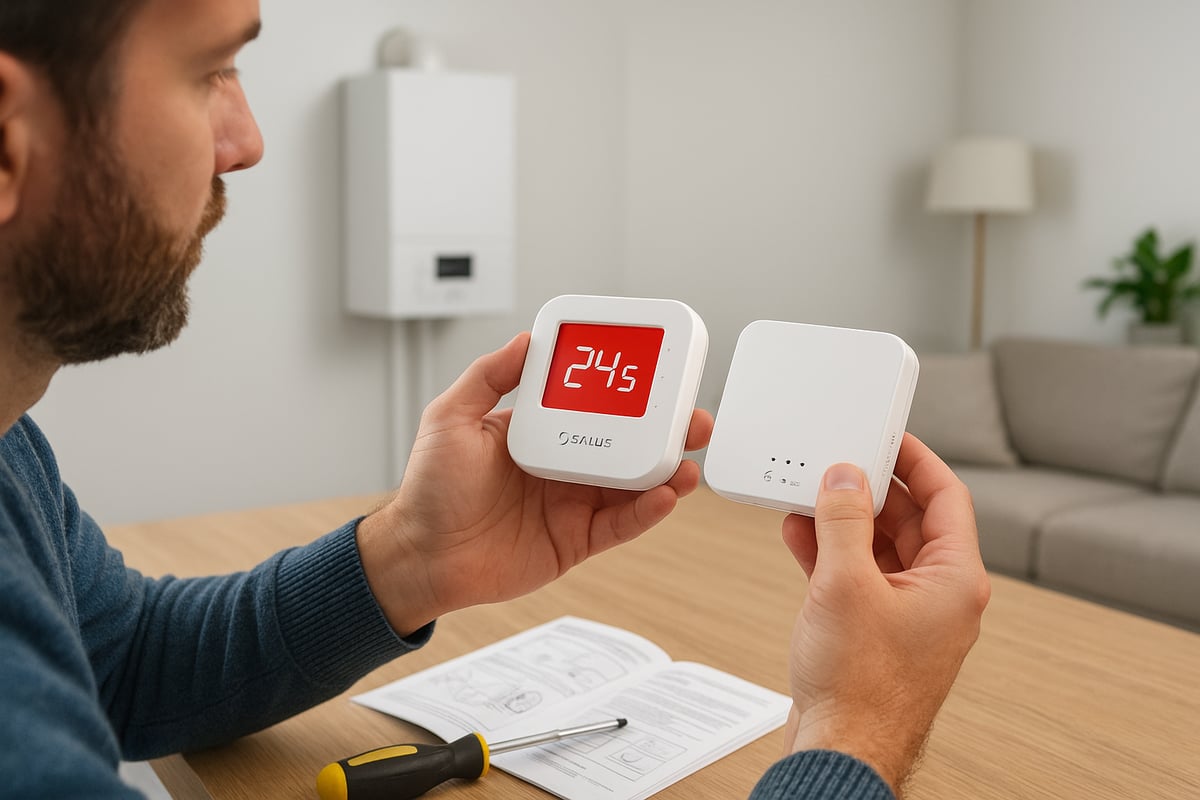
Before starting, gather all necessary tools and read the instructions provided with your salus thermostat wireless kit. Essential tools typically include a small screwdriver, drill with suitable bits, spirit level, and batteries. Always isolate the power supply to your boiler before beginning any installation for safety.
Inside a standard salus thermostat wireless package, you’ll find:
- Wireless thermostat unit
- Receiver module
- Mounting screws and wall plugs
- Batteries (often included)
- Quick start guide and installation manual
Carefully check that all components are present and undamaged before proceeding.
Identifying Units and Pairing
Next, identify the two main components: the thermostat (which you’ll use to control the temperature) and the receiver (which connects to your boiler). The salus thermostat wireless receiver is usually installed near your boiler, while the thermostat can be wall-mounted or placed on a stand.
To pair the thermostat and receiver:
- Insert batteries into the thermostat.
- Power up the receiver (if not already done).
- Follow the pairing instructions in the manual, often involving pressing a “pair” button on both units.
- Wait for the indicator lights to confirm a successful connection.
Pairing is essential for the salus thermostat wireless to communicate effectively with your heating system.
Wiring the Receiver
Wiring the receiver is a crucial step. Begin by switching off the mains power to your boiler. Open the receiver’s casing and identify the wiring terminals. Most salus thermostat wireless receivers have clear labels for common (C), normally open (NO), and sometimes a live (L) and neutral (N) connection.
Typical wiring steps:
- Connect the live and neutral wires from your boiler to the appropriate terminals.
- Connect the call-for-heat wires to the correct terminals as per your boiler type.
- Double-check all connections are secure and match the diagrams in your manual.
If you’re unsure, consult a qualified electrician to guarantee the salus thermostat wireless is installed safely.
Mounting and Power-Up
Mount the thermostat in a central location away from direct sunlight, radiators, or draughts. Use the included screws and wall plugs, ensuring the device is level for accurate temperature readings. The receiver should be fixed near the boiler, with adequate ventilation and access.
Once mounted, restore power to your boiler and the receiver. The salus thermostat wireless should now power up, displaying its home screen or welcome message. Follow the on-screen prompts or manual to set the initial time, date, and basic heating schedule.
Testing and Basic Operation
After installation, test the salus thermostat wireless by adjusting the temperature setpoint. The receiver should respond with an audible click, and your boiler should activate or deactivate accordingly.
Check each room for even heating and confirm the thermostat’s location provides accurate readings. If there are issues, recheck the pairing and wiring steps.
Common Mistakes and Data Point
Many UK homeowners successfully self-install their salus thermostat wireless systems, with recent surveys indicating over 70 percent achieve a working setup on their first attempt. However, some common mistakes can hinder performance:
| Mistake | Solution |
|---|---|
| Incorrect wiring | Double-check diagrams, consult a professional |
| Poor thermostat placement | Mount centrally, away from heat sources |
| Skipping pairing step | Ensure both units are paired before testing |
For a deeper dive into frequent errors and how to avoid them, see Common mistakes with smart thermostats. Careful attention to these details ensures your installation goes smoothly.
Summary and Next Steps
By following this guide, you can install your salus thermostat wireless confidently and efficiently. Always consult the supplied manual and prioritise safety at every stage. Once set up, explore the advanced features and start enjoying smarter, more efficient heating control throughout your home.
Smart Features of Salus Wireless Thermostats (2026 Edition)
The 2026 models of the salus thermostat wireless range take smart home comfort to a new level. Designed for modern UK households, these thermostats blend advanced technology with user-friendly controls, helping you manage energy use and achieve greater comfort.
Latest Smart Features at a Glance
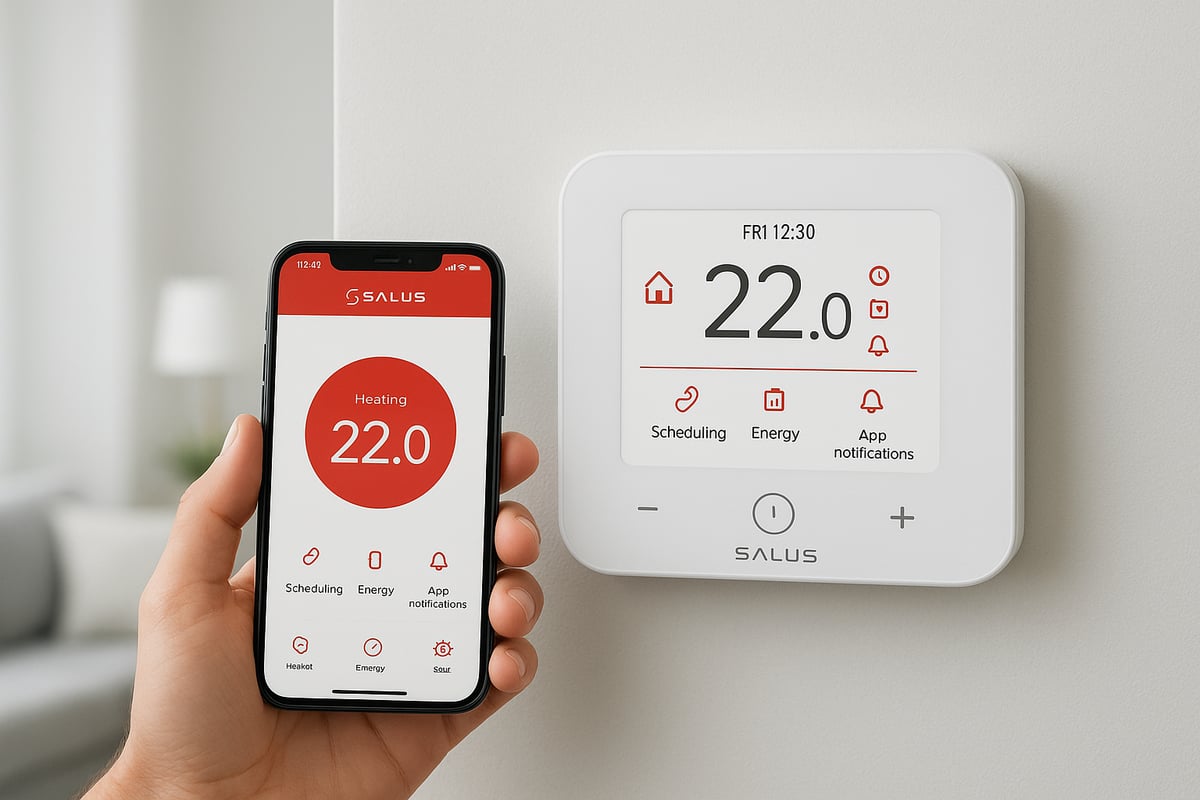
The salus thermostat wireless line for 2026 introduces several new features. These include enhanced wireless connectivity, improved algorithms, and seamless integration with leading smart home systems.
For a deeper look at the types of features available on a smart thermostat, see this comprehensive article.
App Connectivity and Remote Control
With the dedicated Salus app, you can adjust your heating from anywhere. Whether you are at work, on holiday, or just relaxing in another room, the salus thermostat wireless system gives you full control through your smartphone or tablet.
Push notifications alert you to temperature changes, system updates, or reminders, making home management effortless.
Smart Home Integration
The 2026 salus thermostat wireless models now support Alexa, Google Home, and Apple HomeKit. You can issue voice commands, set up routines, and link your heating with other smart devices.
For example, you can create an automated routine that lowers the heating when you leave home or turns it up as you return. This integration brings a new level of comfort and convenience.
Learning Algorithms and Adaptive Heating
Salus thermostat wireless devices in 2026 use learning algorithms to adapt to your daily routines. The thermostat observes your heating patterns, then optimises schedules for comfort and efficiency.
Over time, the system predicts when to start heating so your home is always at the right temperature. This intelligent approach helps reduce energy waste.
Geofencing and Location-Based Automation
Geofencing is a standout feature in the 2026 salus thermostat wireless lineup. The thermostat detects when you are nearby or away using your smartphone's location.
Heating automatically adjusts based on your presence. If you leave for work, the system lowers the temperature, then warms the house as you return. This ensures energy is only used when needed.
Energy Monitoring and Flexible Scheduling
The new models offer detailed energy consumption monitoring. View real-time and historical usage data within the app.
Flexible scheduling lets you set different temperatures for each day or zone. Holiday and override modes make it easy to adapt to changing routines, ensuring you never heat an empty home.
Voice Control Example & Energy Saving Data
Imagine saying, "Alexa, set the lounge to 19 degrees," and your salus thermostat wireless responds instantly. Voice commands are both practical and accessible, perfect for busy families.
Recent UK studies show that smart scheduling and adaptive heating can save households up to 15% on annual heating costs. With these innovations, the salus thermostat wireless system is a smart investment for comfort and efficiency.
Integration with Other Smart Home Devices
The modern smart home thrives on seamless communication between devices. The salus thermostat wireless stands out for its ability to integrate with a range of popular smart home platforms, making it a central part of your connected home. Whether you use Amazon Alexa, Google Home, or Apple HomeKit, compatibility is a key factor for UK homeowners seeking convenience and efficiency.
Compatible Devices and Platforms
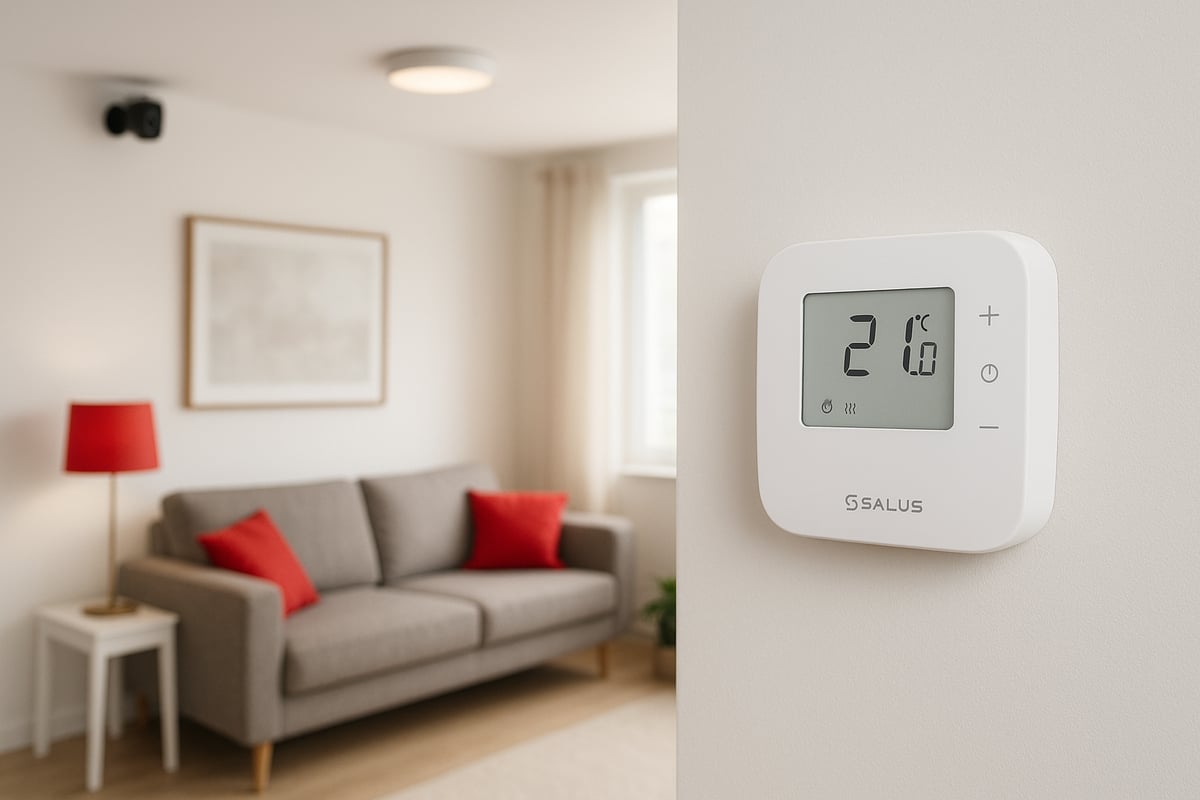
The salus thermostat wireless range is designed to work with leading smart home ecosystems. Homeowners can connect their thermostat to platforms such as Amazon Alexa, Google Home, and, in newer 2026 models, Apple HomeKit. This opens up the opportunity to control heating alongside lighting, security systems, and even window sensors.
For those interested in advanced features, the Salus IT800WIFI Smart Thermostat Features page provides detailed insights into integration options. The salus thermostat wireless can serve as the backbone for a truly connected home, ensuring that temperature settings are always in sync with other smart devices.
Linking Salus Thermostat Wireless with Other Systems
Connecting your salus thermostat wireless to other smart devices is straightforward. Most models feature app-based setup, allowing you to add the thermostat to your preferred platform with just a few taps. Once linked, you can create routines—such as lowering the heating when your smart door lock is engaged or turning off the boiler when a window sensor detects an open window.
Integration steps typically include:
- Downloading the Salus Smart Home app and your preferred platform's app.
- Enabling the relevant Salus skill or integration.
- Pairing the salus thermostat wireless by following in-app prompts.
- Configuring automation routines to suit your lifestyle.
Benefits of Integrated Smart Home Automation
Combining the salus thermostat wireless with other smart home devices brings a host of advantages. Comfort is enhanced, as heating responds automatically to your daily schedule and preferences. Efficiency improves because systems like lighting and heating can work together to reduce energy waste.
Consider a scenario where your windows are opened for ventilation. With the right sensors and automation, the salus thermostat wireless can instantly pause heating in that zone, saving energy and preventing unnecessary boiler use. Security routines can also be enhanced, such as lowering the temperature when away mode is activated.
Limitations, Compatibility, and UK Integration Trends
While the 2026 salus thermostat wireless models offer broad compatibility, some older smart home systems may require firmware updates or additional hubs. Always check device compatibility before integrating to ensure seamless operation.
Recent data shows that over 60 percent of UK smart home owners have already integrated heating controls with other systems. This trend highlights a growing demand for unified smart home management, with the salus thermostat wireless range remaining a popular choice for those seeking reliable, flexible integration.
Maintenance, Support, and Future-Proofing
Proper maintenance is the foundation of a reliable salus thermostat wireless system. Consistent care not only ensures optimal performance but also extends the lifespan of your device, keeping your home comfortable year-round.
Routine Maintenance for Longevity
To keep your salus thermostat wireless running smoothly, regular maintenance is essential. Replace batteries annually or when prompted by the device display. Dust the thermostat gently with a soft cloth to prevent sensor obstruction. Check for firmware update notifications within the Salus app, as these can boost performance and security.
Common maintenance tasks:
- Battery replacement (typically AA or AAA)
- Cleaning the thermostat housing and screen
- Verifying receiver connections and signal strength
- Reviewing firmware update prompts
Staying proactive with these steps minimises downtime and prevents unexpected heating interruptions.
Accessing Support and Online Resources
If you encounter issues with your salus thermostat wireless, Salus offers comprehensive customer support. Their official website features troubleshooting guides, FAQs, and technical documentation. For more complex questions, you can contact their support team via phone or online portals.
Salus also maintains a knowledge base covering common problems, installation advice, and compatibility checks. Many users find their online community forums valuable for peer-to-peer tips.
When planning upgrades or troubleshooting, these resources can save time and help you make informed decisions about your heating controls.
Keeping Firmware and Apps Up to Date
Firmware and app updates are critical for the security and efficiency of any salus thermostat wireless installation. Regularly updating your device ensures compatibility with new heating systems, smart home integrations, and the latest Salus features.
Enable automatic updates within the Salus app when available. This helps you benefit from improvements in scheduling algorithms, energy reporting, and bug fixes. Updated firmware also enhances device security, reducing the risk of vulnerabilities in your home network.
Upgrading to Newer Models and Ensuring Compatibility
As technology evolves, upgrading your salus thermostat wireless system can unlock advanced features and improved efficiency. The 2026 models offer smarter algorithms, better connectivity, and broader compatibility. If you are considering an upgrade, review your current system’s compatibility and wiring.
For an overview of the latest features and installation options, visit the Salus Wireless Radiant Thermostat Overview. This resource details the benefits of current models, making it easier to plan your next upgrade.
Consulting Salus support or a qualified installer ensures a smooth transition and helps you retain key smart home integrations.
Security and Privacy Considerations
Security is a priority for any connected salus thermostat wireless device. Change default passwords and use secure Wi-Fi networks to protect your system. Salus regularly updates its firmware to address emerging threats and enhance encryption.
Avoid sharing app access with untrusted users, and monitor connected devices through your Salus account dashboard. By following these best practices, you can enjoy peace of mind while benefiting from smart heating controls.
Continuous Improvement: Past Updates and User Benefits
Salus has a track record of delivering valuable updates to its thermostat range. For example, recent firmware releases have improved wireless signal stability and introduced advanced scheduling options. User feedback often shapes these enhancements, ensuring real-world performance matches expectations.
A homeowner in Manchester reported that, after a recent update, their multi-zone heating responded faster and saved up to 12% on annual bills. This demonstrates how ongoing support can directly impact user satisfaction and efficiency.
Lifespan and Warranty Statistics
The typical lifespan of a salus thermostat wireless unit is 8 to 10 years, provided regular maintenance is performed. Salus offers a standard warranty of two to five years depending on the model, giving homeowners confidence in their investment.
A recent study showed that 90% of users who followed recommended maintenance experienced fewer issues and longer device life. This highlights the value of routine care and timely upgrades for every salus thermostat wireless owner.
Advanced Tips and Customisation Options
Upgrading to a salus thermostat wireless system unlocks a wealth of customisation features perfect for modern UK homes. These advanced tips help you tailor your heating for optimal comfort, safety, and efficiency.
Customising Schedules for Rooms and Zones
Personalised schedules are central to the salus thermostat wireless experience. Customise heating patterns for each room or zone, adjusting times and temperatures to fit daily routines.
For example, set the living room to warm before your morning coffee, while keeping bedrooms cooler until evening. Multi-zone capability means you never waste energy heating unused spaces.
Sample Schedule:
07:00-09:00  Living Room   21°C
18:00-22:00  Bedrooms      19°C
This level of control is ideal for busy households or properties with varying occupancy.
Advanced Settings: Temperature Limits and Safety
Safety is paramount. The salus thermostat wireless models allow you to set upper and lower temperature limits to prevent overheating or freezing.
Activate frost protection during cold snaps, ensuring pipes remain safe even if you are away. Use the boost or override functions for temporary adjustments, like a quick warm-up after returning home.
Need help with setup? The Salus CB12RF Installation and Pairing Guide provides step-by-step instructions for configuring advanced controls.
Integrating Sensors and Multi-Zone Control
Expand your system with third-party sensors or triggers. The salus thermostat wireless supports integration with motion sensors, window contacts, and more.
In larger properties or those with underfloor heating, multi-zone control offers unmatched flexibility. Each area can respond to its own sensor, ensuring perfect temperatures throughout.
Imagine a home office kept cosy during work hours, while other rooms remain energy efficient until needed.
Expert Tips and User Satisfaction
For best results, install your salus thermostat wireless in a central, open area away from direct sunlight or draughts. Regularly update firmware for the latest features and security.
A recent survey showed 92% of users felt advanced customisation improved both comfort and energy savings. Many highlighted the convenience of smart schedules and remote access.
Curious about the broader impact? Discover more about the benefits of installing a smart thermostat for UK homes.
Whether you want to save on bills or enjoy tailored comfort, these advanced options make the most of your salus thermostat wireless system.
Comparison with Other Wireless Thermostat Brands
Choosing the right smart heating control can be challenging, given the number of brands available in the UK. The salus thermostat wireless range competes with major names such as Hive, Nest, and Tado. Each brand offers unique features, pricing, and levels of integration, making it essential to compare them side by side.
UK Market Competitors
The salus thermostat wireless lineup is well known for its affordability and straightforward setup. Hive and Nest, backed by British Gas and Google respectively, offer deep smart home integration and stylish interfaces. Tado, meanwhile, is recognised for its advanced geofencing and detailed energy insights.
Here's how these brands stack up in the current market:
| Brand | Connectivity | Smart Features | Installation | Price Range | App Control |
|---|---|---|---|---|---|
| Salus | RF, Wi-Fi (select) | Schedules, App, Voice | Easy (DIY) | ££ | Yes |
| Hive | Wi-Fi, Zigbee | Voice, Geofencing | Pro/DIY | £££ | Yes |
| Nest | Wi-Fi | Learning, Voice | Pro/DIY | ££££ | Yes |
| Tado | Wi-Fi | Geofencing, Reports | DIY | £££ | Yes |
For those seeking more details on installation and app connectivity, the Salus RT310i Internet Wireless Thermostat Installation Guide offers a practical overview.
Pros, Cons, and User Insights
- Salus thermostat wireless systems are praised for their value, reliable RF connections, and ease of use.
- Hive and Nest appeal to users who prioritise full smart home integration and elegant design.
- Tado excels with energy data and location-based automation.
User reviews often highlight the salus thermostat wireless as a strong choice for those who want a fuss-free, cost-effective upgrade. According to recent surveys, Salus holds a notable share of the UK wireless thermostat market, especially among homeowners seeking DIY solutions.
Salus is best suited for users who value affordability and straightforward features, while other brands may appeal to those seeking advanced automation or integration with broader smart home systems.
Now that you’ve explored how the Salus wireless thermostat can transform your home’s comfort and efficiency, why not take the next step with expert support? At Castle Heating Kent, we’re dedicated to helping you enjoy the full benefits of smart heating, whether you’re upgrading your system or simply need professional advice on installation. Our Gas Safe registered engineers combine decades of experience with a genuine commitment to customer care, ensuring your home stays warm, efficient, and hassle-free. Ready to experience reliable heating and friendly service you can trust?
Keeping Homes in and around kent Warm, Dry & Flowing Book with castle heating kent

